> For the complete documentation index, see [llms.txt](https://docs.rampwin.com/llms.txt). Markdown versions of documentation pages are available by appending `.md` to page URLs; this page is available as [Markdown](https://docs.rampwin.com/automation-workflow/starting-point.md).
# Starting Point
Trigger Node
Trigger
A trigger in the Automation Workflows allows you to set different conditions to run automated actions.
Conditions
List of trigger conditions.
Message text exactly matches any of keywords
This trigger condition is available when you select the New Outgoing/Incoming Message Trigger. Under this condition, the message should exactly match the Match String to activate the trigger and run the action.
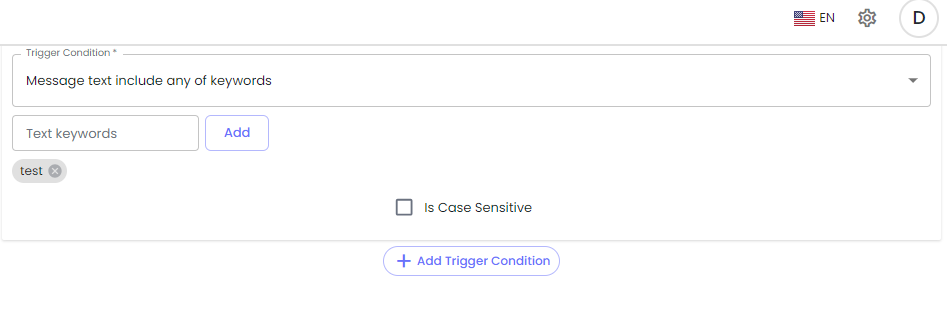
Message text include any of keywords
This trigger condition is available when you select the *New Outgoing/Incoming Message*. Under this condition, if the message includes the Match String, the trigger will be activated, and the action will run.
\
The entire message doesn't need to be precisely the same as the Match String.
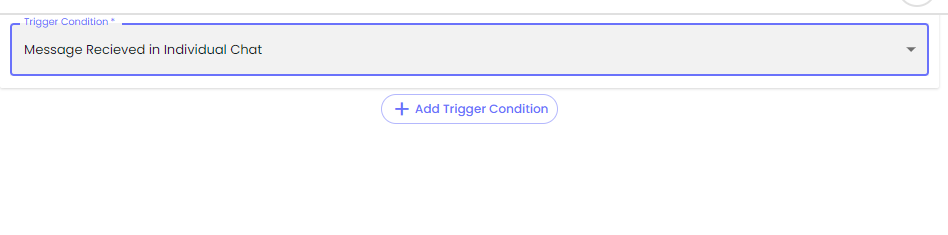
Message Received in Individual Chat
Under this trigger condition, the trigger will be activated, and the action will run when the *New Outgoing/Incoming Message* includes one/any of the mentioned Text keywords.
Message text exclude any of keywords
You can activate the trigger using this trigger condition and run the action when the *New Outgoing/Incoming Message* includes the same keyword mentioned in the *Text keywords* field.
List/Button Callback ID matches
Under this trigger condition, the automation will execute the action if the *New Outgoing/Incoming Message* is an Interactive Message and its List ID/Button Callback ID matches the Match String.
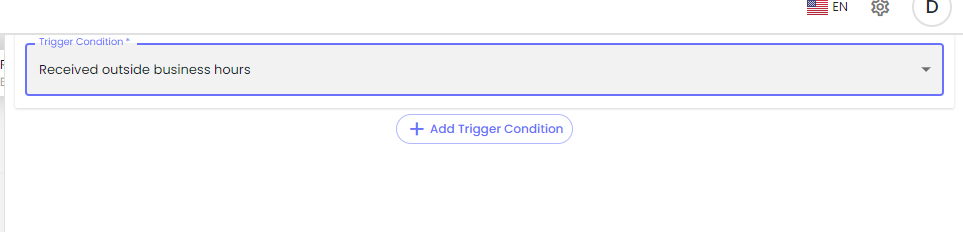
Received outside business hours
Run an automation workflow action when the *New Incoming Message* is received outside the business hours.
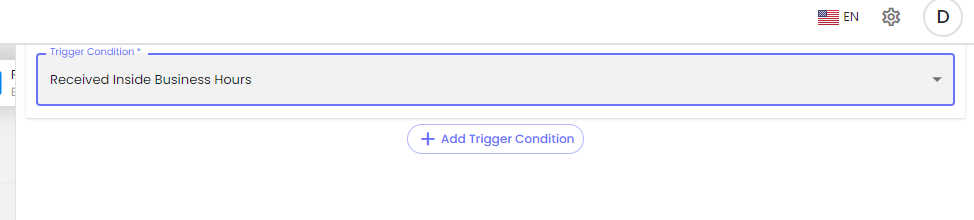
Received Inside Business Hours
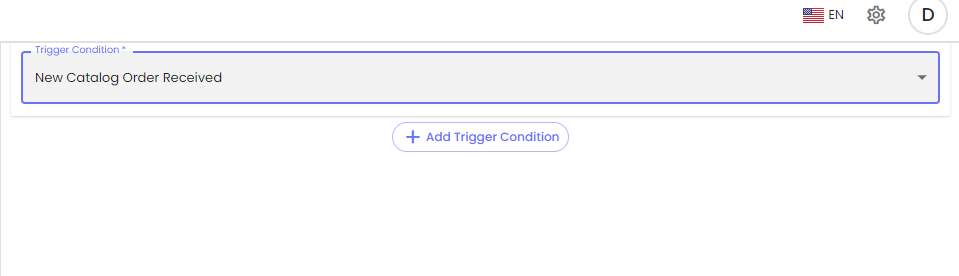
New Catalog Order Received
If you've created Product Catalogs in the WhatsApp Store Settings, you can create Automation based on that. It will run when your contacts send a Catalog request after you send them the option to select products using the Interactive Message.
Based on the order received, you can run the automation. And to do that, select Trigger Condition as **New Catalog Order Received.**
Very first message or message after 24hrs of last message
Set an action for the workflow that needs to be executed when the *New Incoming Message* received is the Very First Message or the Message after 24hrs of the last message in the selected channel.
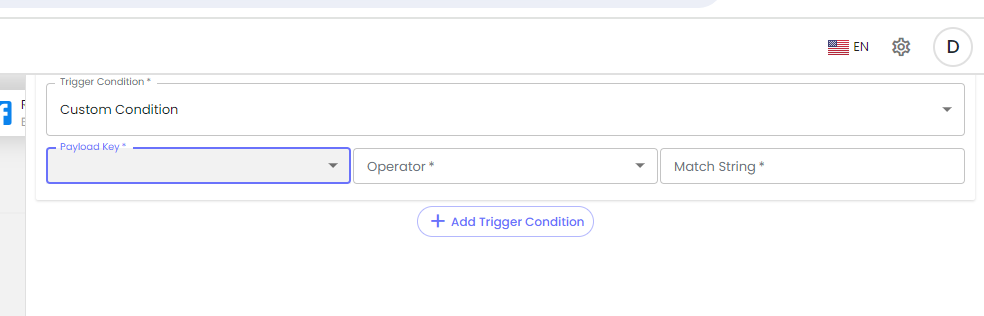
Custom Condition
You can create conditions according to user based.
File Type Matches
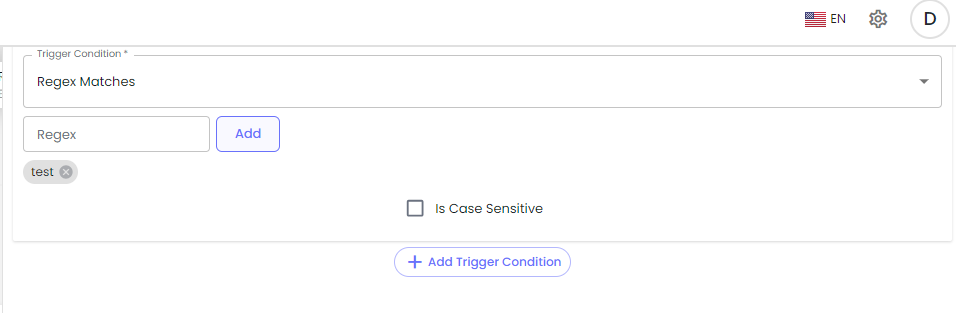
Regex Matches
Regular expressions are combinations of special character operators, which are symbols that control the search, that you can use to construct search strings for advanced find and/or replace searches.
^\[A-Za-z0-9\_.]+$
.png?alt=media&token=fd7f2a35-c4be-49d8-b3e1-f9f8551baa87)