> For the complete documentation index, see [llms.txt](https://docs.rampwin.com/llms.txt). Markdown versions of documentation pages are available by appending `.md` to page URLs; this page is available as [Markdown](https://docs.rampwin.com/setting/more/channels.md).
# Channels
Lets you manage your chat commerce through Channels.
### Introduction
The Channels available at are a bridge that lets you connect different chat platforms to the Chat. Using it, you can easily manage messages that you send and receive across multiple platforms.
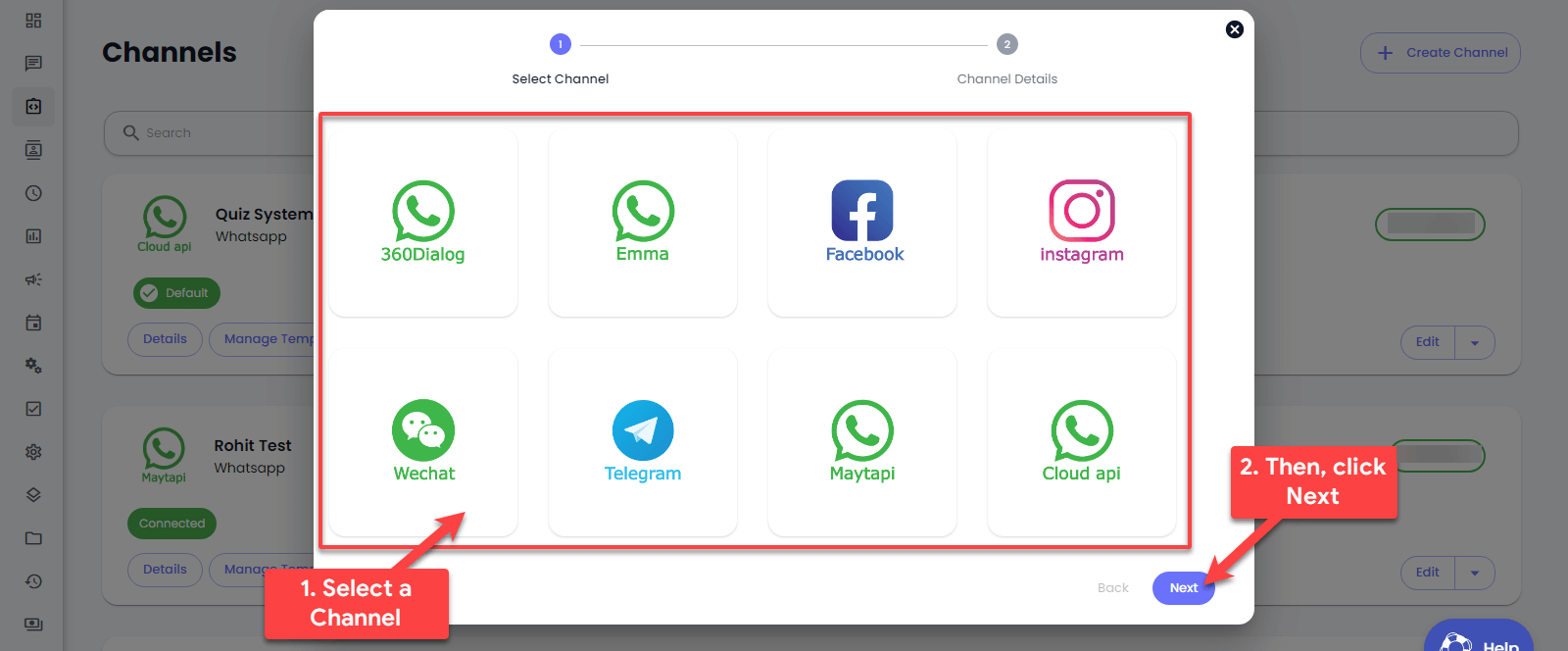
* **360Dialog**: A WhatsApp Business API provider.
* **Emma**: A service (details not specified).
* **Facebook**: Integrates Facebook messaging.
* **Instagram**: Integrates Instagram messaging.
* **Maytapi**: Another WhatsApp API provider.
* **Cloud API**: Likely another WhatsApp-related service.
* **Messagebird**: An omnichannel messaging platform.
* **Twilio SMS**: A well-known SMS messaging service.
To create a new channel, simply click the *Create Channel* button. A popup will appear asking which Channel connection you want to create.
Select the required Channel and click *Next*. Then, follow the next step to complete the connection. Check out other user guides to learn how you can create a channel for a specific chat platform option available at.
.png?alt=media&token=a26c9f14-4a15-455b-ac87-0c56816241d3)