> For the complete documentation index, see [llms.txt](https://docs.rampwin.com/llms.txt). Markdown versions of documentation pages are available by appending `.md` to page URLs; this page is available as [Markdown](https://docs.rampwin.com/setting/account-setting/my-account/working-hours-settings.md).
# Working Hours Settings
To define the office hours and holidays of your business, you can utilise the Working Hours setting of My Account.
Simply click the Edit icon.
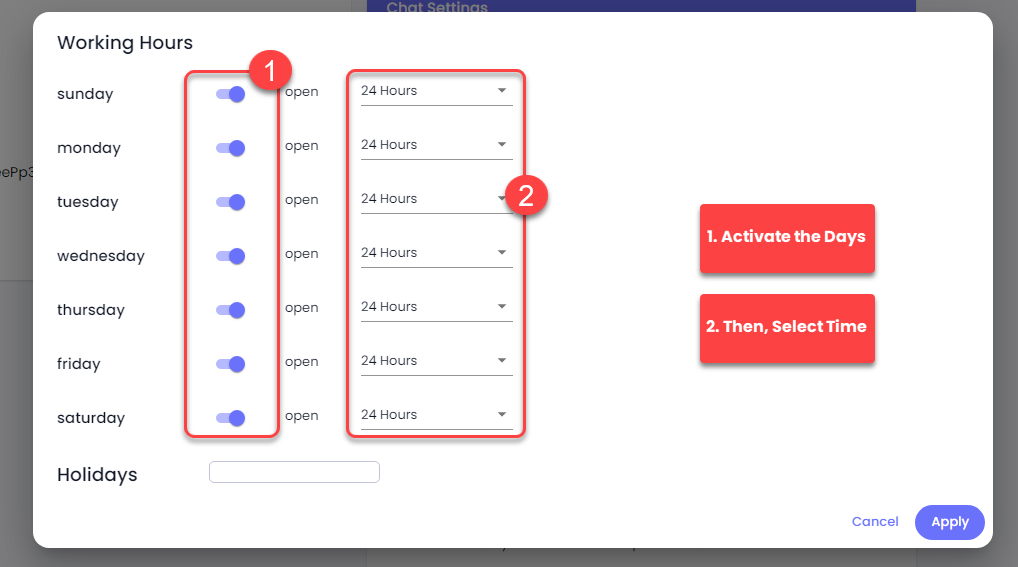
Then, activate the days you work and mention the time.
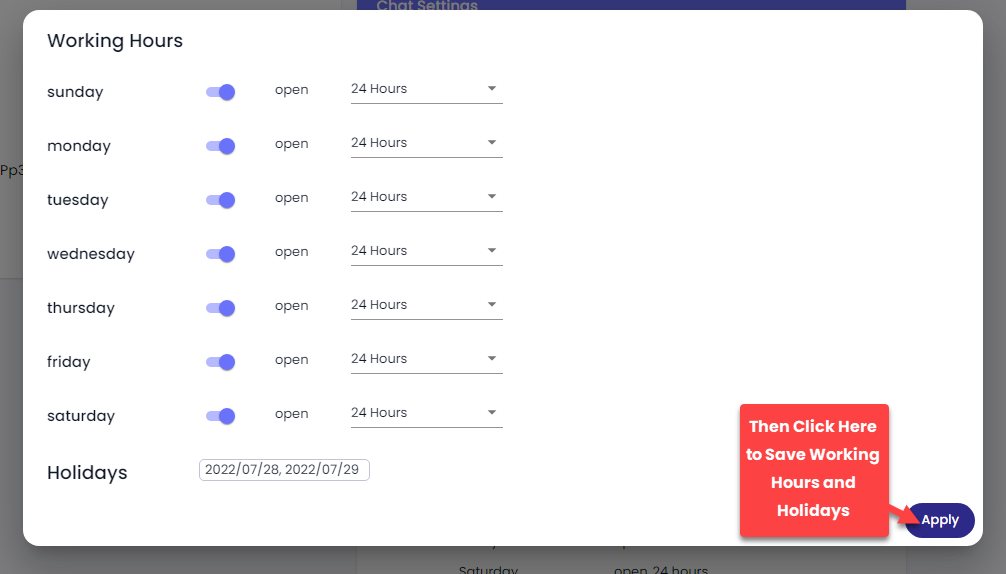
If you want to declare holidays, click the Holidays field and then select the dates.
Once added Working Hours and Holidays, click **Apply**.

 icon.
icon.