> For the complete documentation index, see [llms.txt](https://docs.rampwin.com/llms.txt). Markdown versions of documentation pages are available by appending `.md` to page URLs; this page is available as [Markdown](https://docs.rampwin.com/english/starting-with-rampwin/login-to-rampwin.md).
# Login to Rampwin
Easy login.
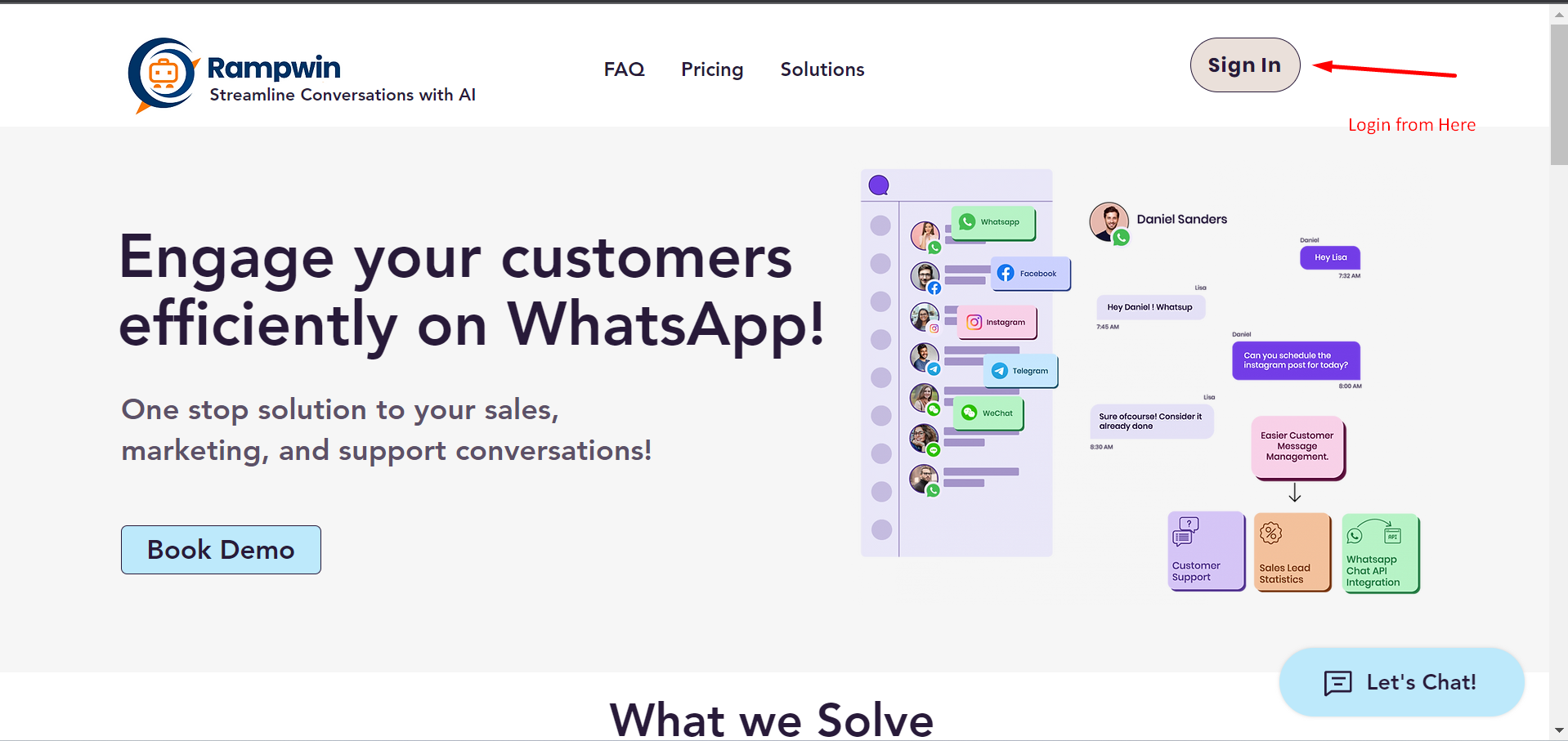
To use the Rampwin platform, you need to log in, first. Therefore, open [https://app.rampwin.com/auth/login](https://app.rumwork.io/auth/login) on your browser window.
Homepage
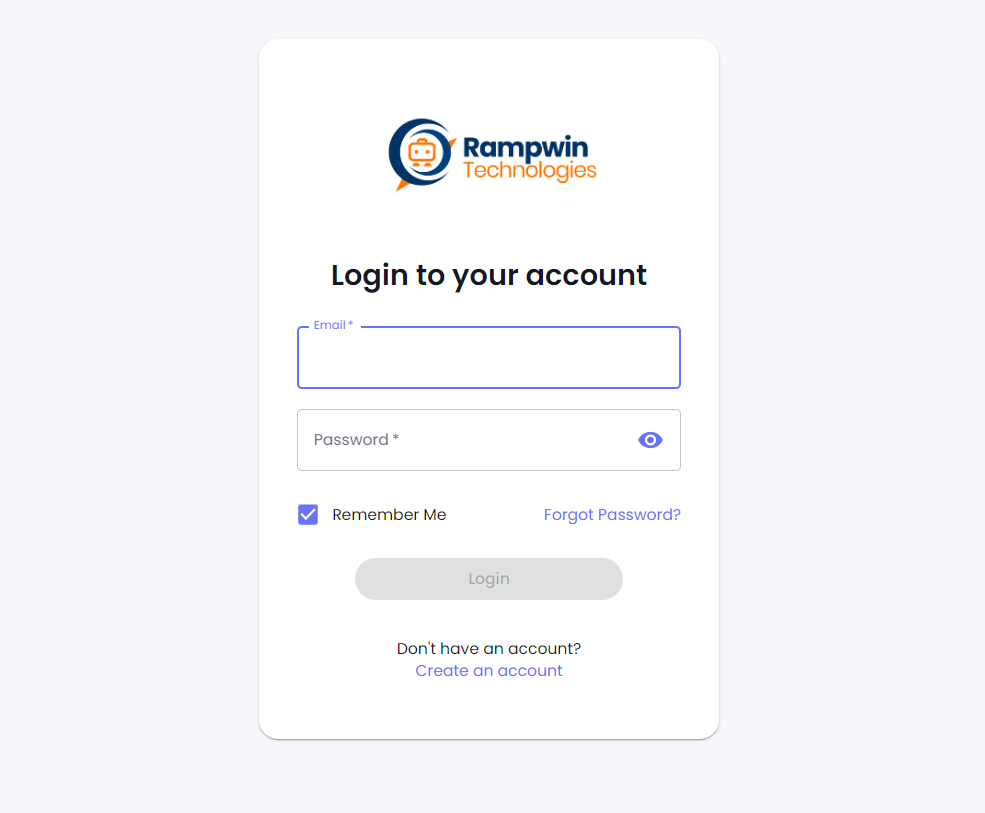
Or you can click the **Register/Login** button at rumwork.io. This will open the following login page.
Login Screen
### Register
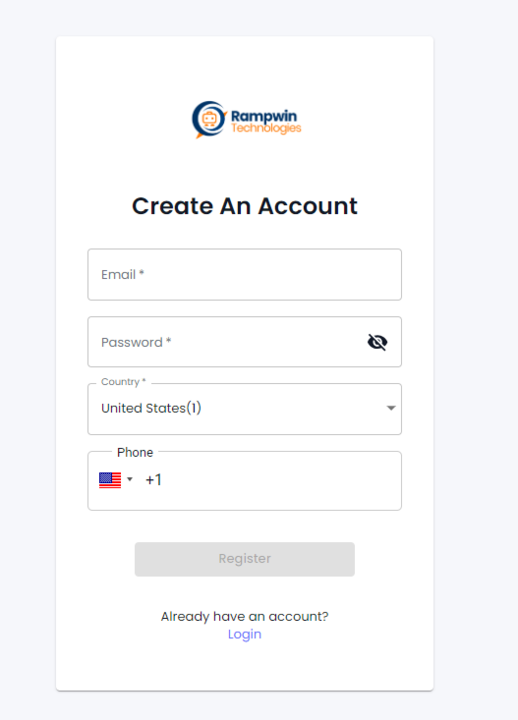
If you haven't created an account before, click **Create an account**. This will open the following fields,
Simply enter the details and click **Register**.
It will send an email to confirm your details. Login to your email, then confirm the account. Once done, open the login window and use your details to log in.
Upon successful login, you'll find yourself on the [Chat screen](broken://pages/yrp96aIUQEMCXnSNFzRi#overview).
### Forgot Password
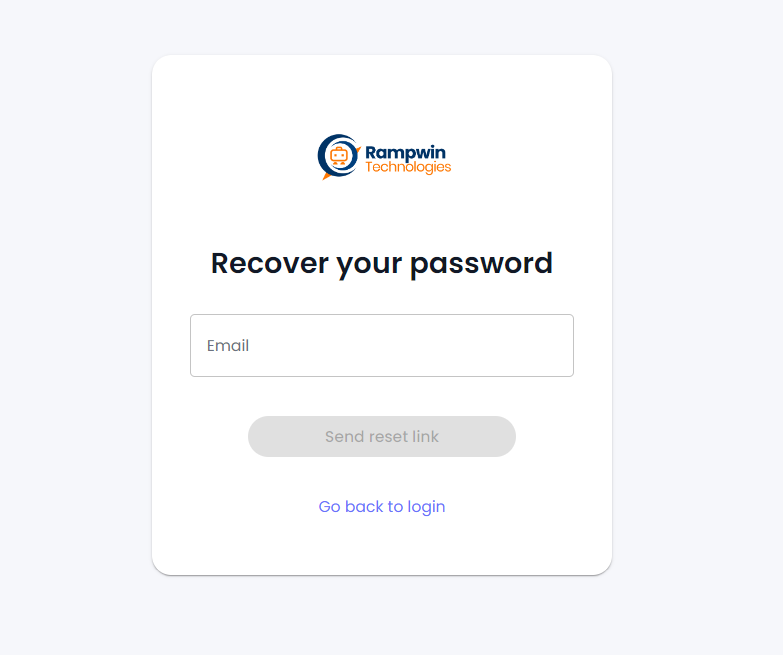
If you've forgotten your password, simply click **Forgot Password**.
Then, enter your email and click on the **Send reset link** button.
Reset Password
Open your email and follow the instructions to reset your password.
### Where to Start?
You can work at Rampwin as you prefer the best. However, we suggest you start by creating and connecting the messaging channels, first.