> For the complete documentation index, see [llms.txt](https://docs.rampwin.com/llms.txt). Markdown versions of documentation pages are available by appending `.md` to page URLs; this page is available as [Markdown](https://docs.rampwin.com/english/setting/overview.md).
# Overview
Take Control of the platform by utilizing the options available in Settings.
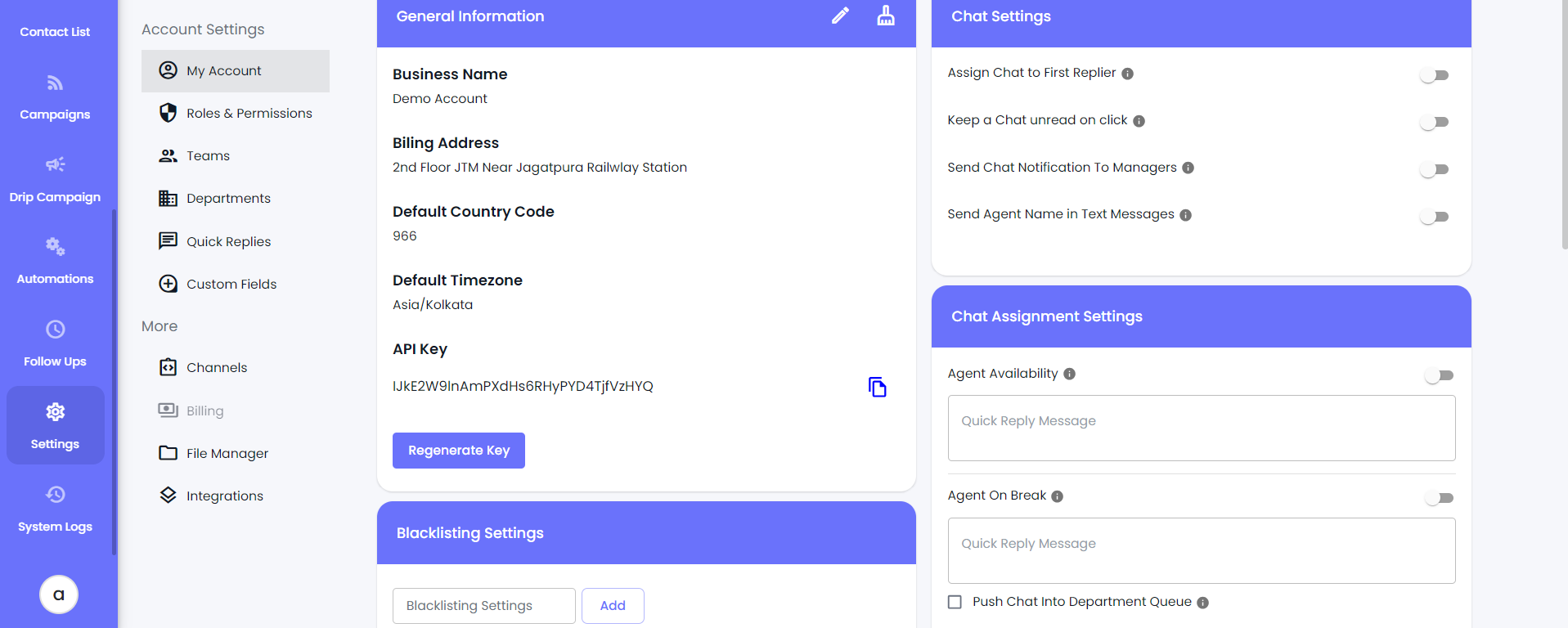
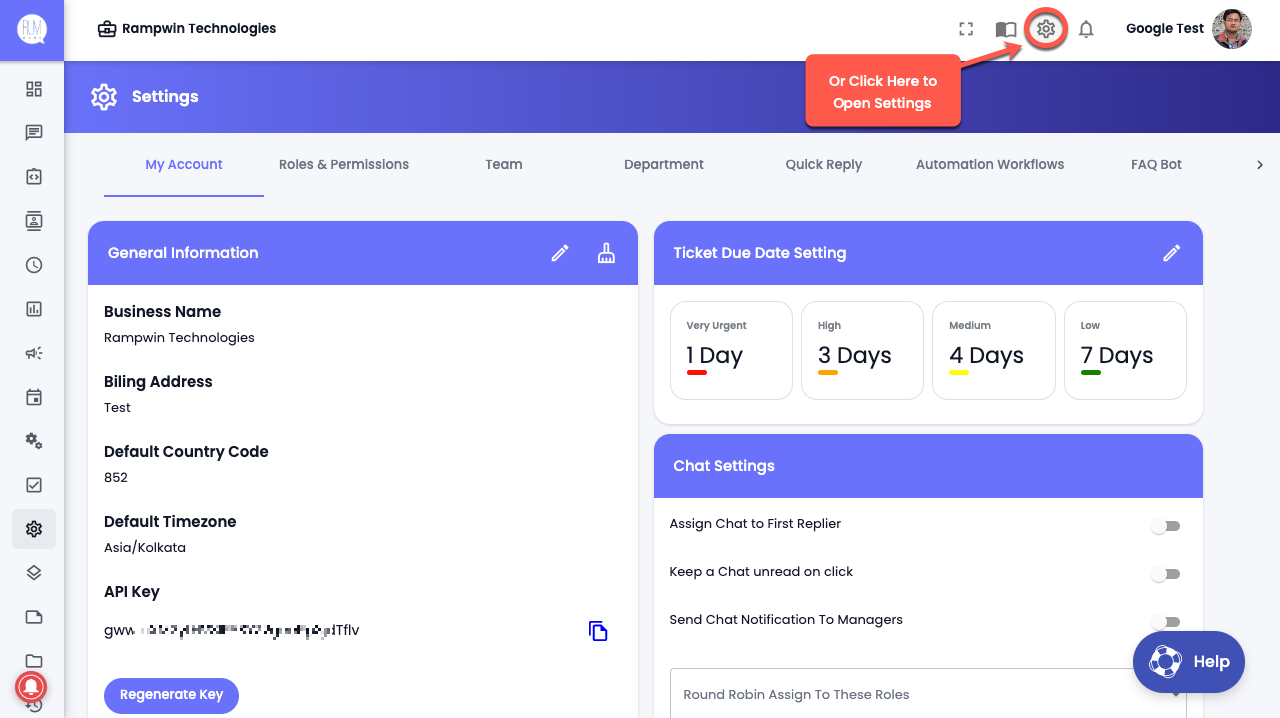
You can access the Settings Panel and its options in 2 ways.
* From the Dashboard, go to the Left Sidebar and click Settings.
* Or, click on the gear (⚙️) icon directly from your dashboard.
The different options available in the **Settings** panel of the Rampwin platform allow you to make the most out of it. By using the following options, you can simplify how the platform works and provide customers with the best-in-class user support.
Customization options to make the interface represent the business more evenly.
Create different roles and assign permissions per requirement.
Create departments to sort team members' duties in the Rampwin.
Add team members to Rampwin and assign tasks to them based on their department.
Make quick message templates to use in the chat.
Create automation workflows and run them based on user triggers.
Build a list of questions and answers for the FAQ Bot.
Build or upload answers for different user questions.
Create different fields to use while creating contacts.