> For the complete documentation index, see [llms.txt](https://docs.rampwin.com/llms.txt). Markdown versions of documentation pages are available by appending `.md` to page URLs; this page is available as [Markdown](https://docs.rampwin.com/english/more-how-tos/create-a-facebook-page.md).
# Create a Facebook Page
To create a RUM Work Facebook Channel it's necessary to have a Facebook Page. This guide will help you how to create one.
The following steps are to create a Facebook Page using a computer. Thus, make sure you're using the correct device.
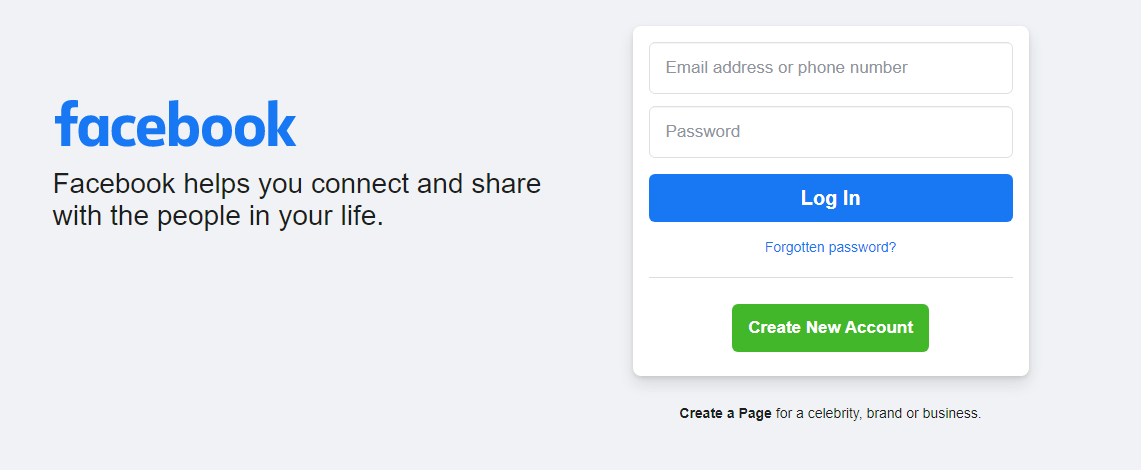
* To create a Facebook, first, log in to your Facebook account.
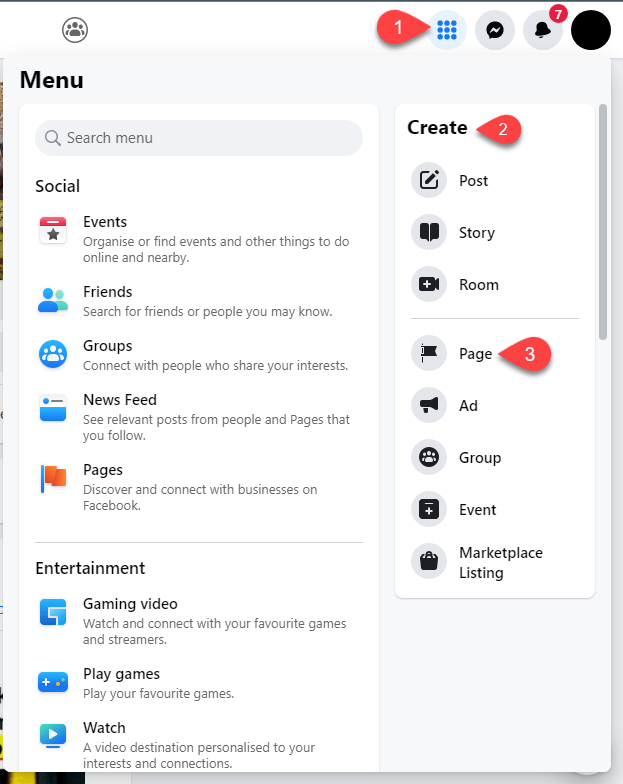
* Once logged in, head over to the Menu (top right corner,) then go to **Create** and select **Page**.
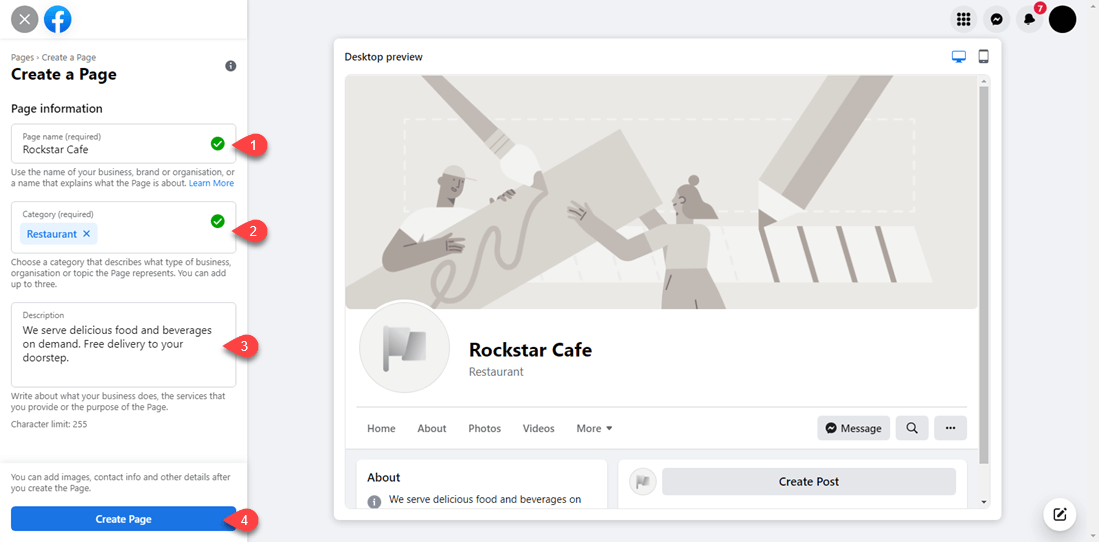
* In the Page Information fill the details as,
* **Page name** - Set your page name
* **Category** - Choose the category that best describes your page.
* **Description** - Add a small description of your page in 255 characters.
* Once added the above information, click **Create Page**.
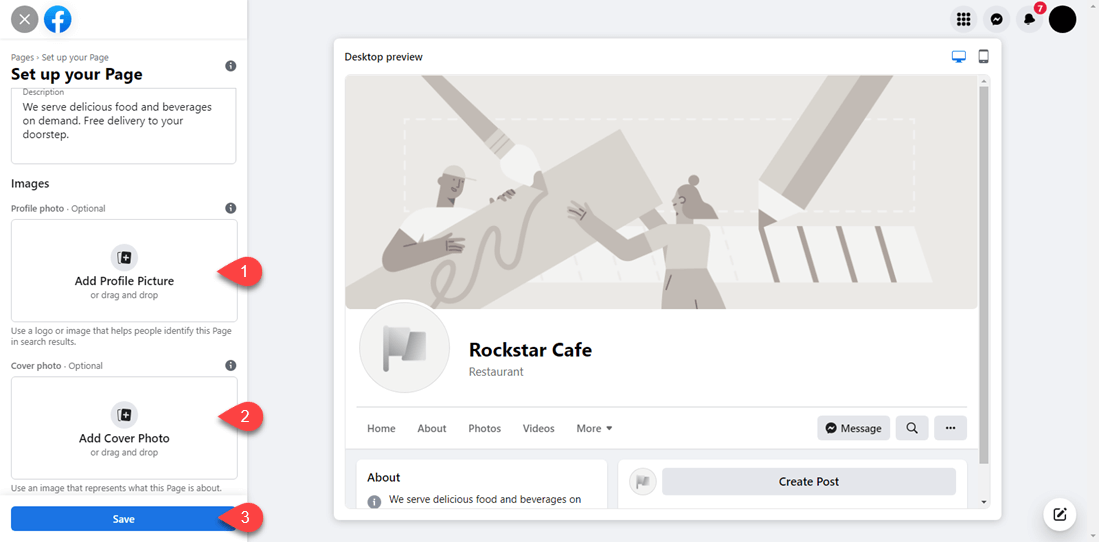
* It'll take a few moments to create the page. Once the page has been created, a new section will appear Images, asking you to,
* **Add Profile Photo**
* **Add Cover Photo**
* Upload your images, and then click **Save**.
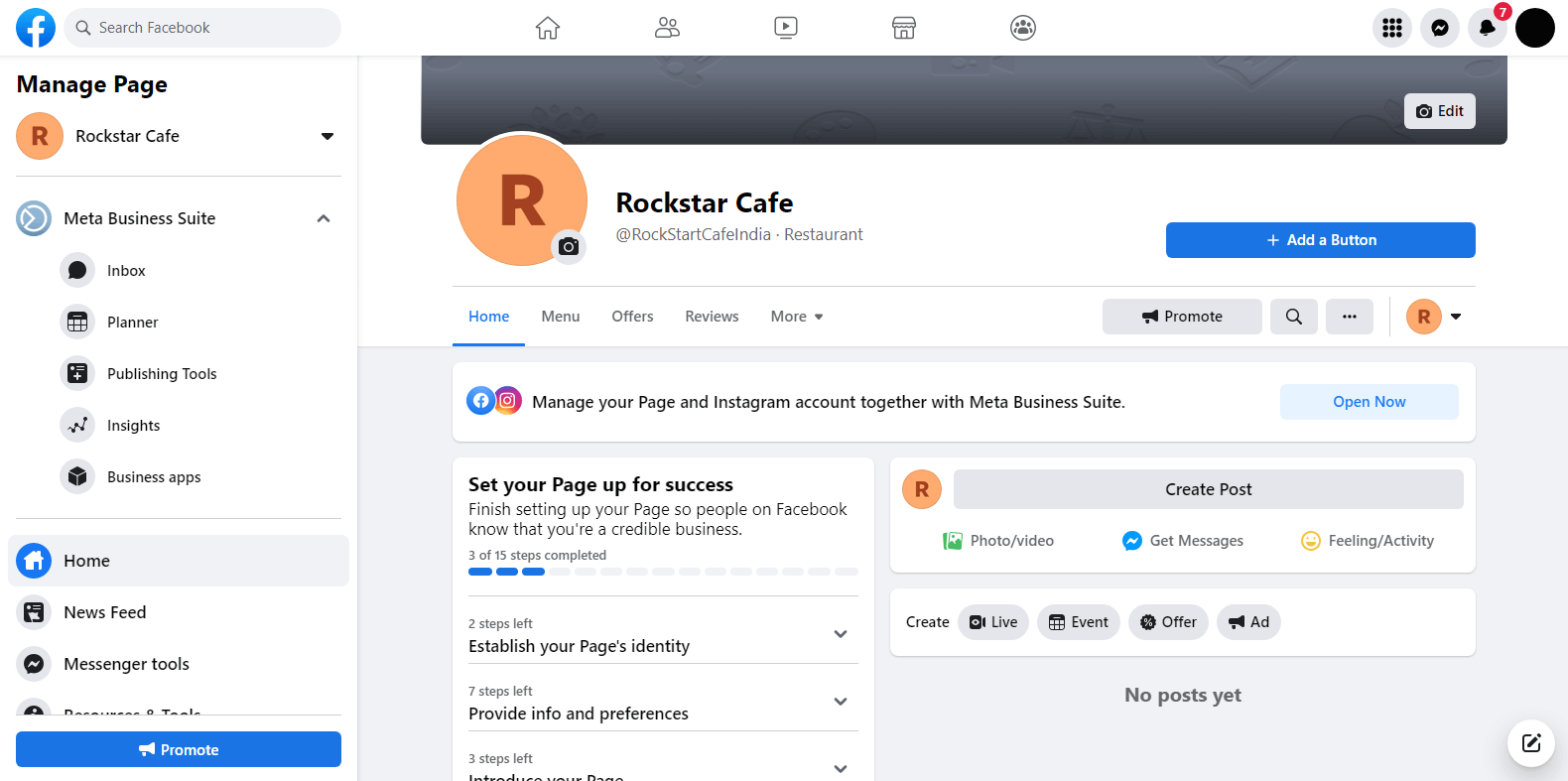
* It will take you to your page.
That's it; you've created a Facebook Page. Now, [return to Create RUM Work Facebook Channel](broken://pages/yymaeNy7XyvTvxnb0d36#step-1-access-rum-work-channels) steps.